Research Support Handbook
Troubleshooting Access
Sometimes you can run into errors that leave the server inaccessible by SSH. In that case you could first try to reboot the server from the OpenNebula Console.
Reboot
Log in to the OpenNebula Console, with your VUnetId as username.
Important
To access the web interface from outside the VU campus use EduVPN institute access.
- Go to Instances > VMs and double-click your VM
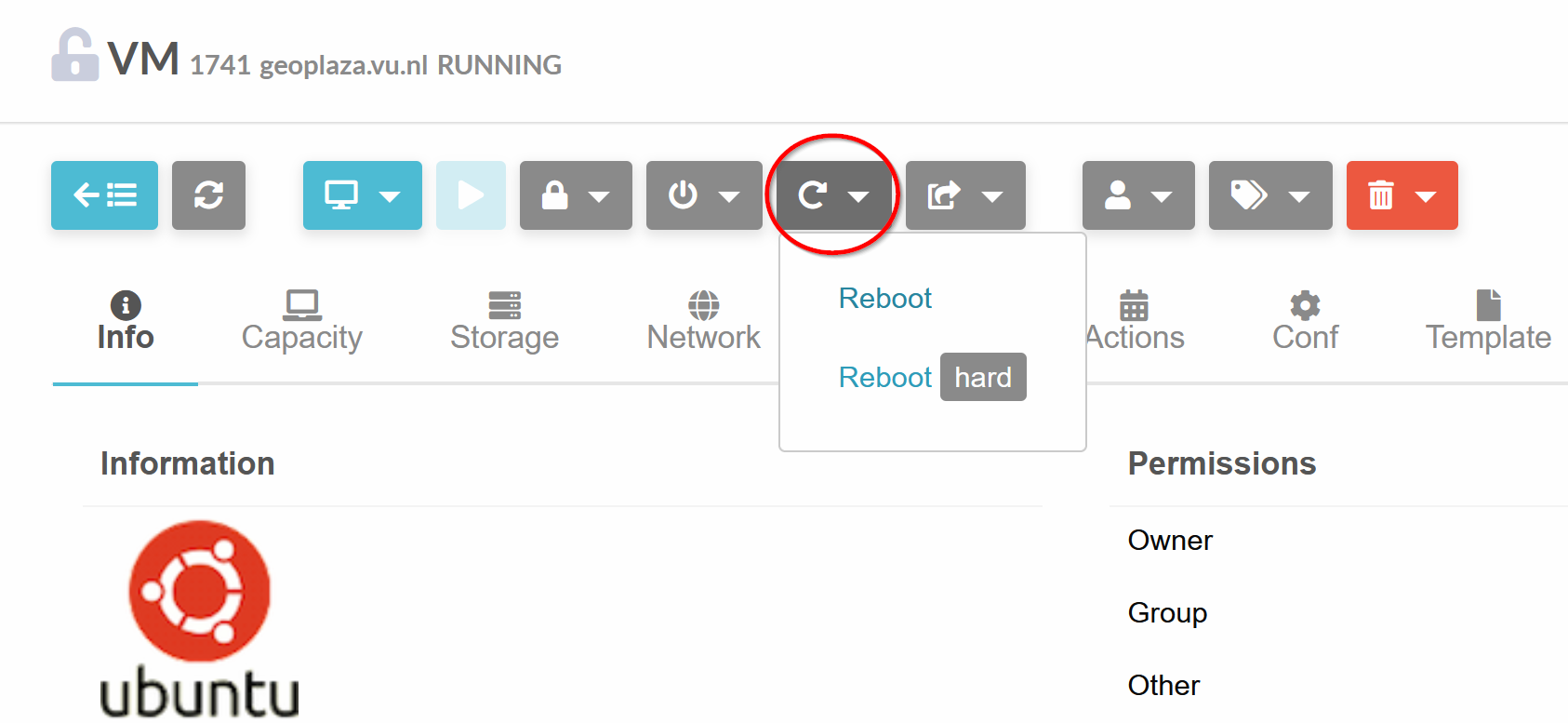 - Click on the reboot button. Reboot will try to stop running software first, Reboot Hard will immediately shut down the server.
Viewing the Server Console
If the system is still inaccessible you can check if there are any errors in the boot process, by viewing the server console.
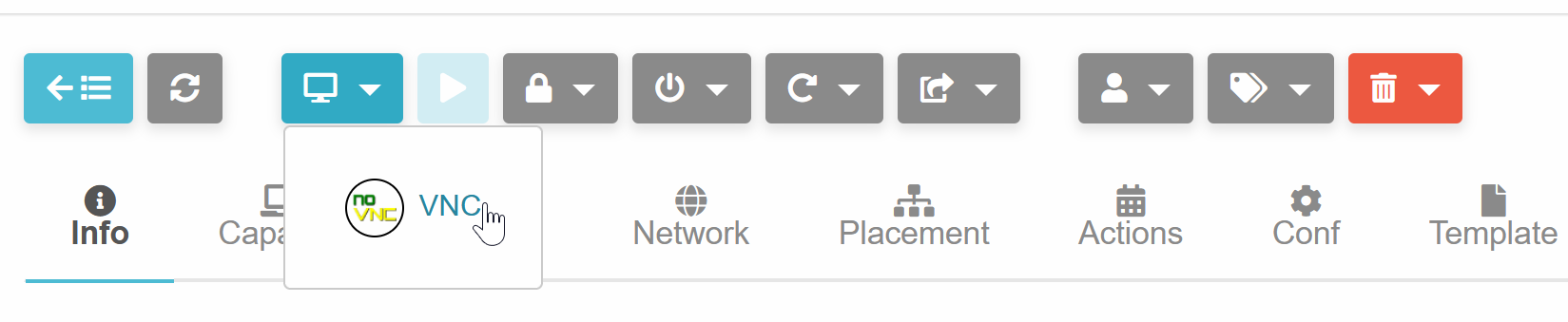 - Click on the button with the screen and click VNC
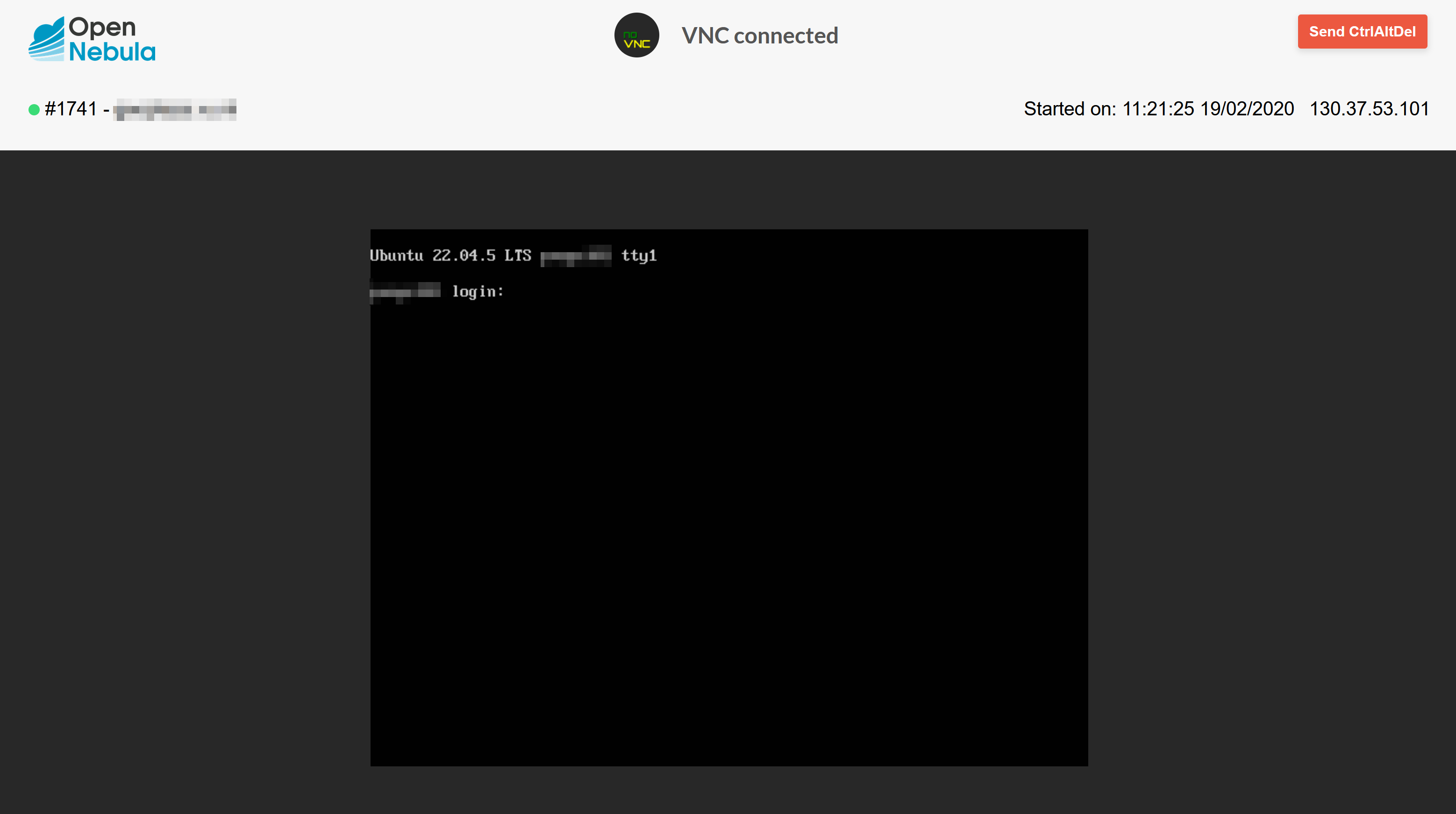 You will see the screen output of the server as if you had connected a monitor to it.